Initial set of models
Starting out, I didn't have a firm idea for how I'd handle creating and storing the voxel models.
One direction would be to have a voxel-specific file format. I could either invent a custom one, or possibly try to find something off-the-shelf (at this stage, I'd assume someone has made a generally-accepted file format?). The benefit of that would be that I could create an editor, or find a pre-existing one.
The other direction would be to write the models in code.
It happened to be late at night when I was mulling this over, and I was feeling tired and lazy, and at that point I was thinking more about sleep than anything else. Writing the models in code was the laziest possible thing I could think of, so I figured I'd give the LLM a big prompt, and I'd wake up in the morning and inspect the work.
I asked the LLM to come up with a list of common items found in a CRPG, and then I copy-pasted the response into another context, and made it loop until it had made a model for every single item in the list. I was incredibly skeptical at this point. But I wasn't losing any time or sleep over it, so there was no harm done if it didn't do a good job.
The model came up with over 100 different items, and then plugged away at it for--I don't even know how long. A few hours presumably.
And it produced this:
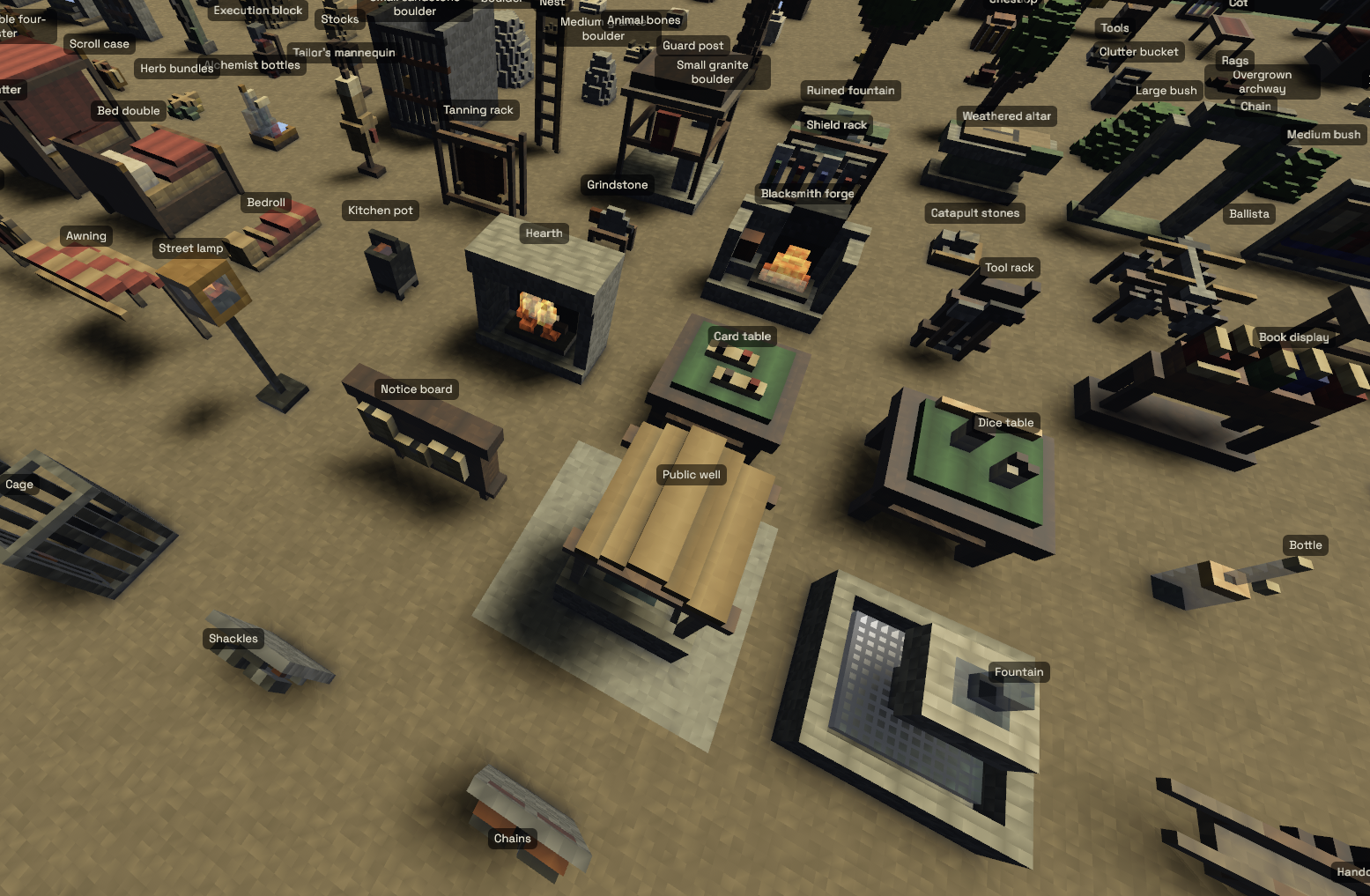
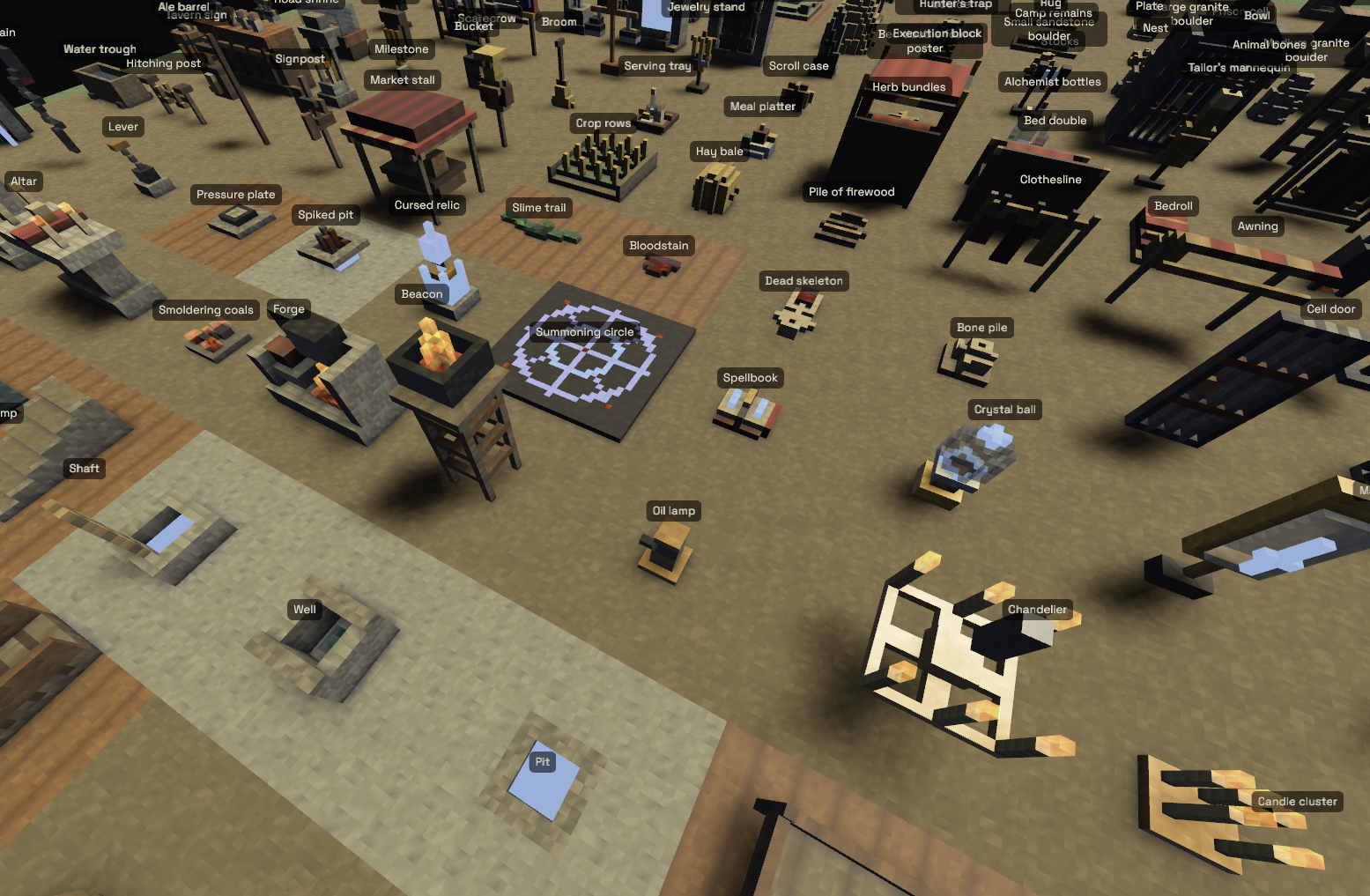
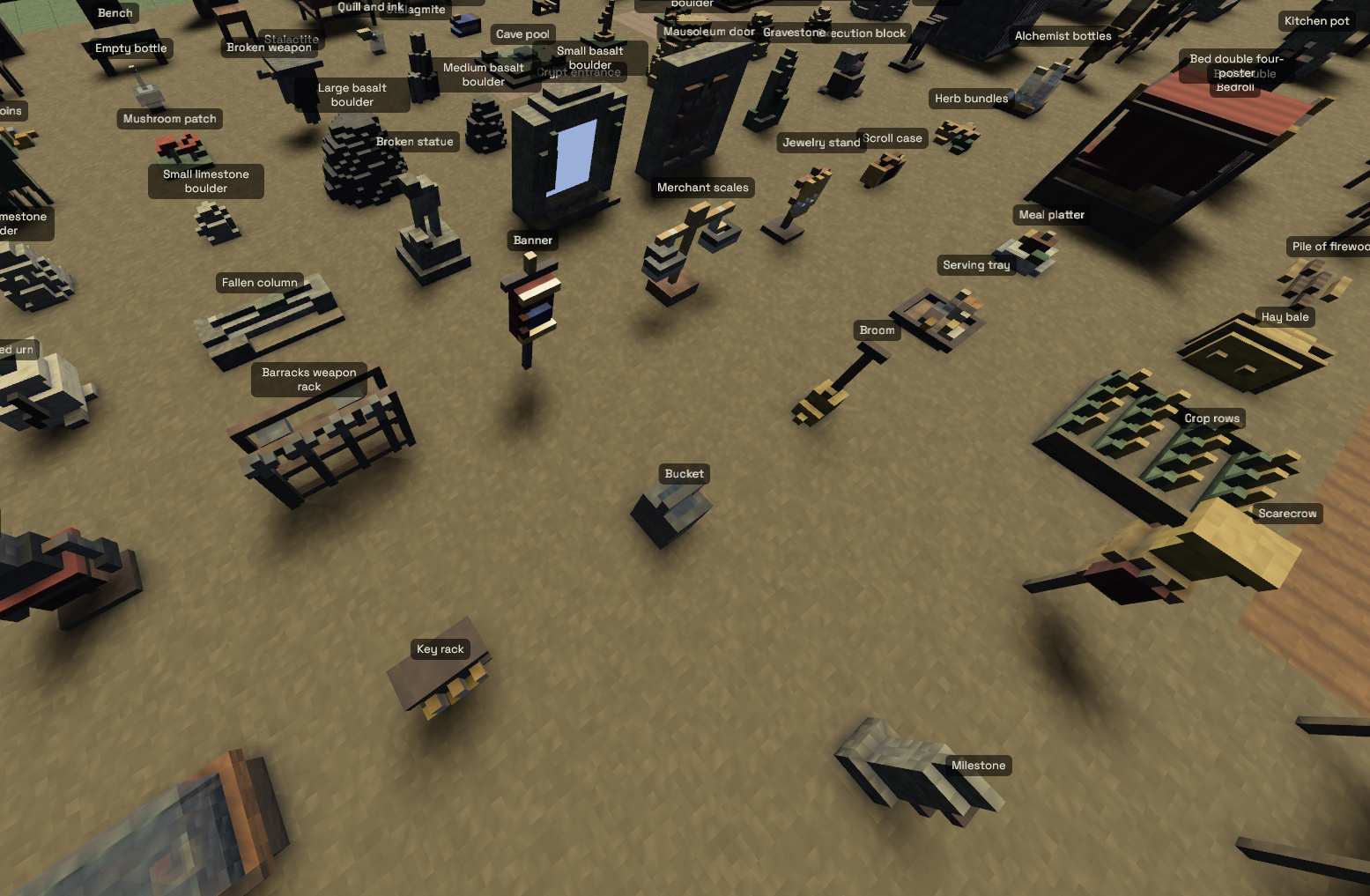
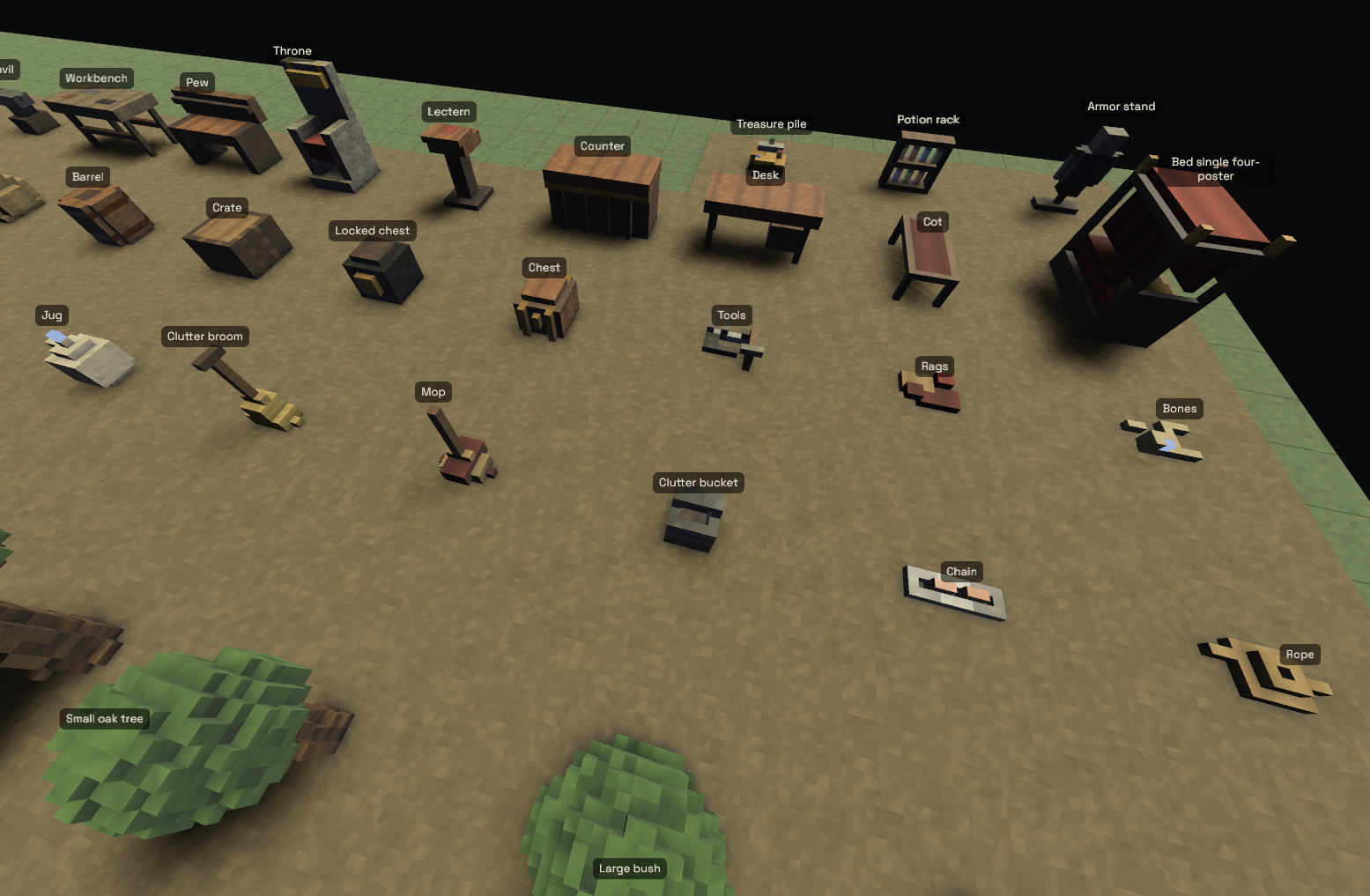
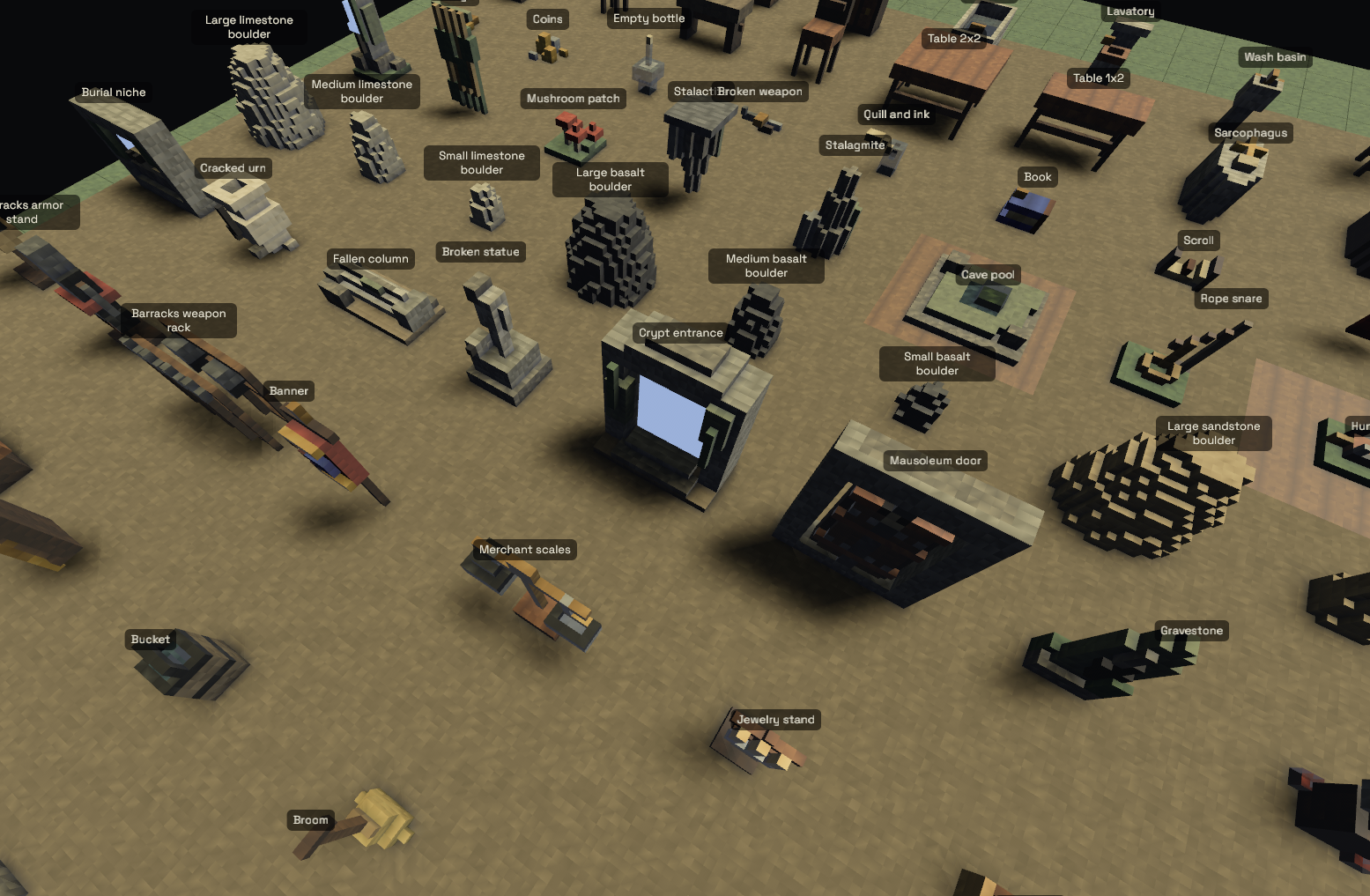
It was astoundingly good. I was absolutely shocked. It's more than good enough that I don't need to bother with a special voxel file format or a special voxel editor.
Converting to 19x19
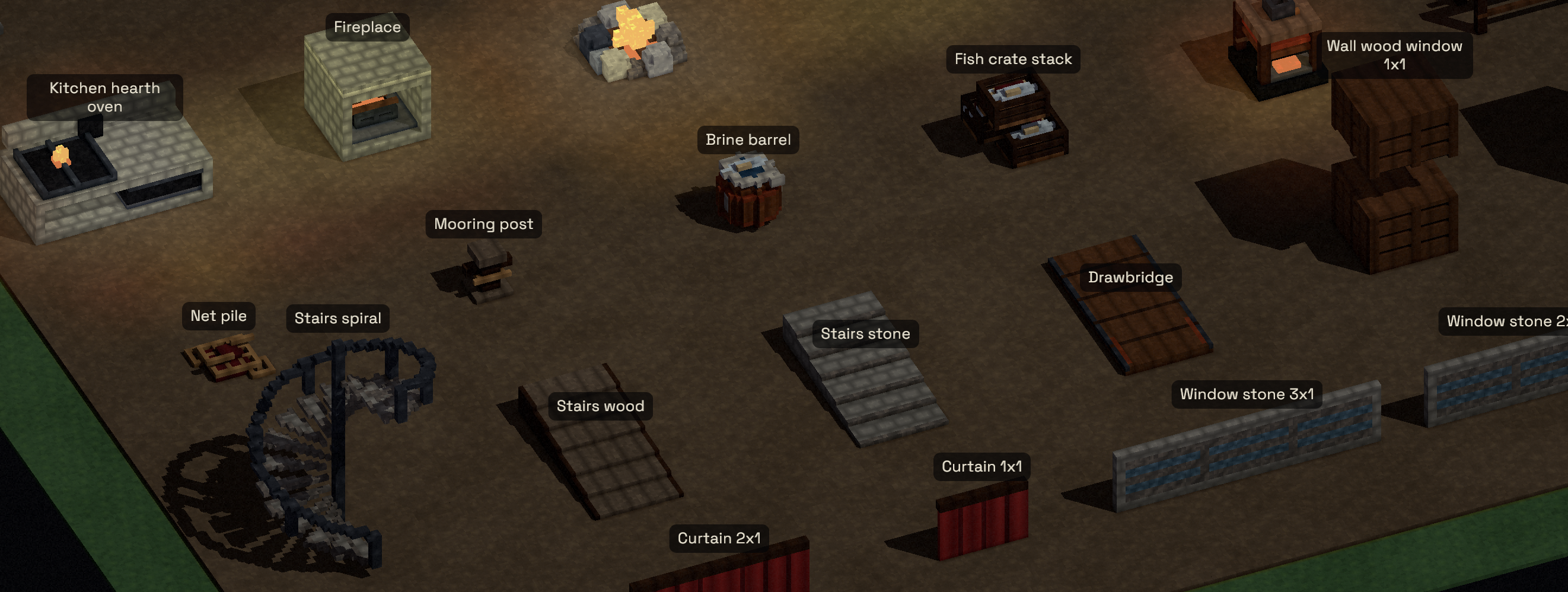
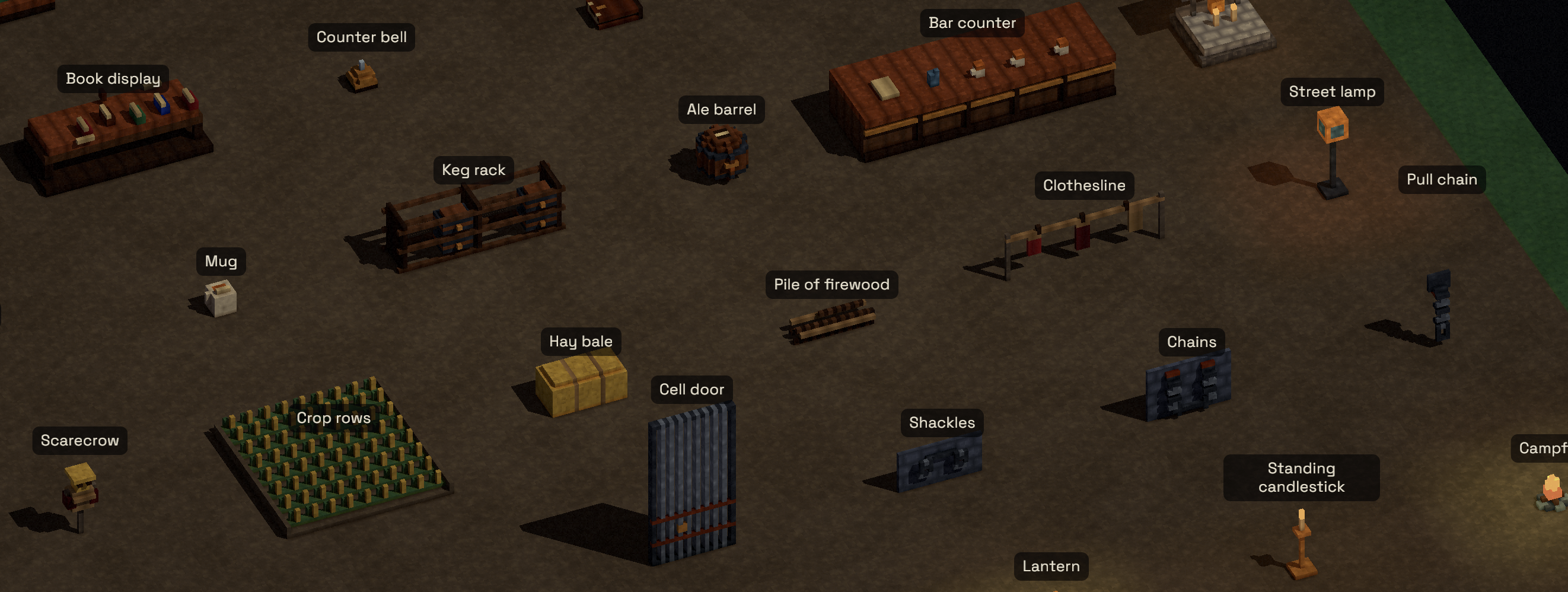
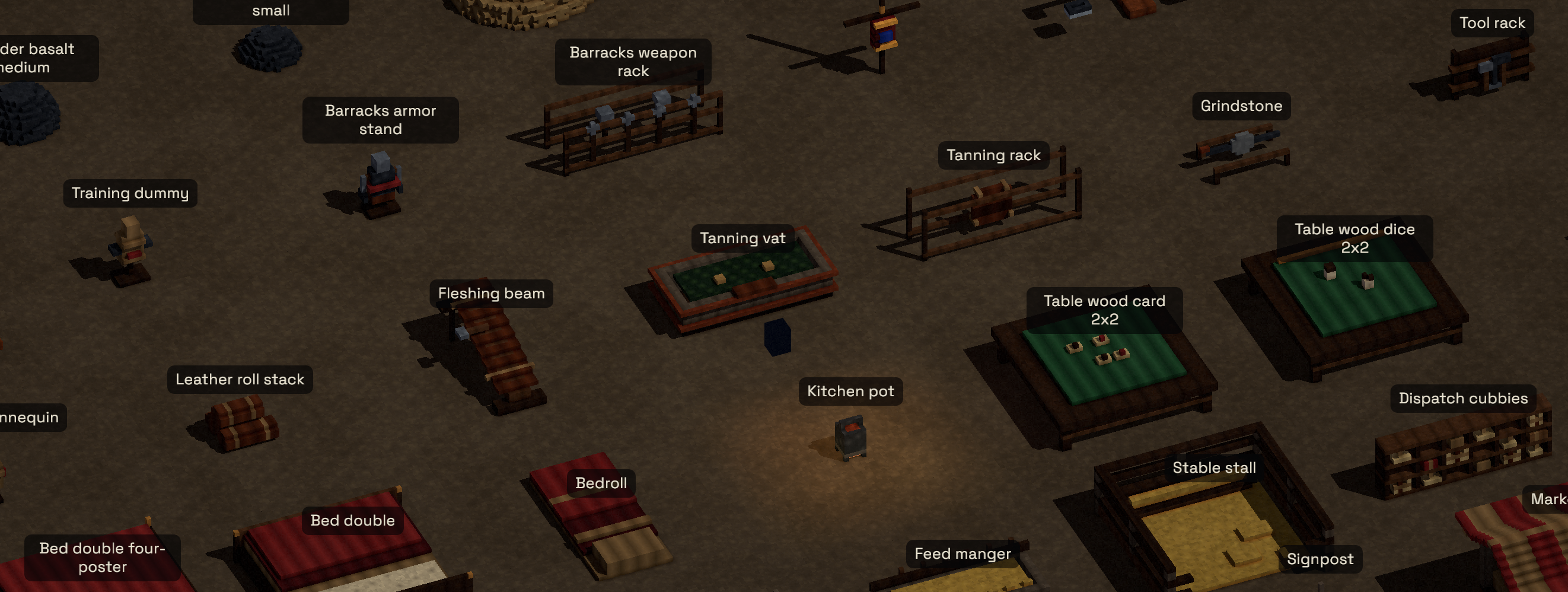
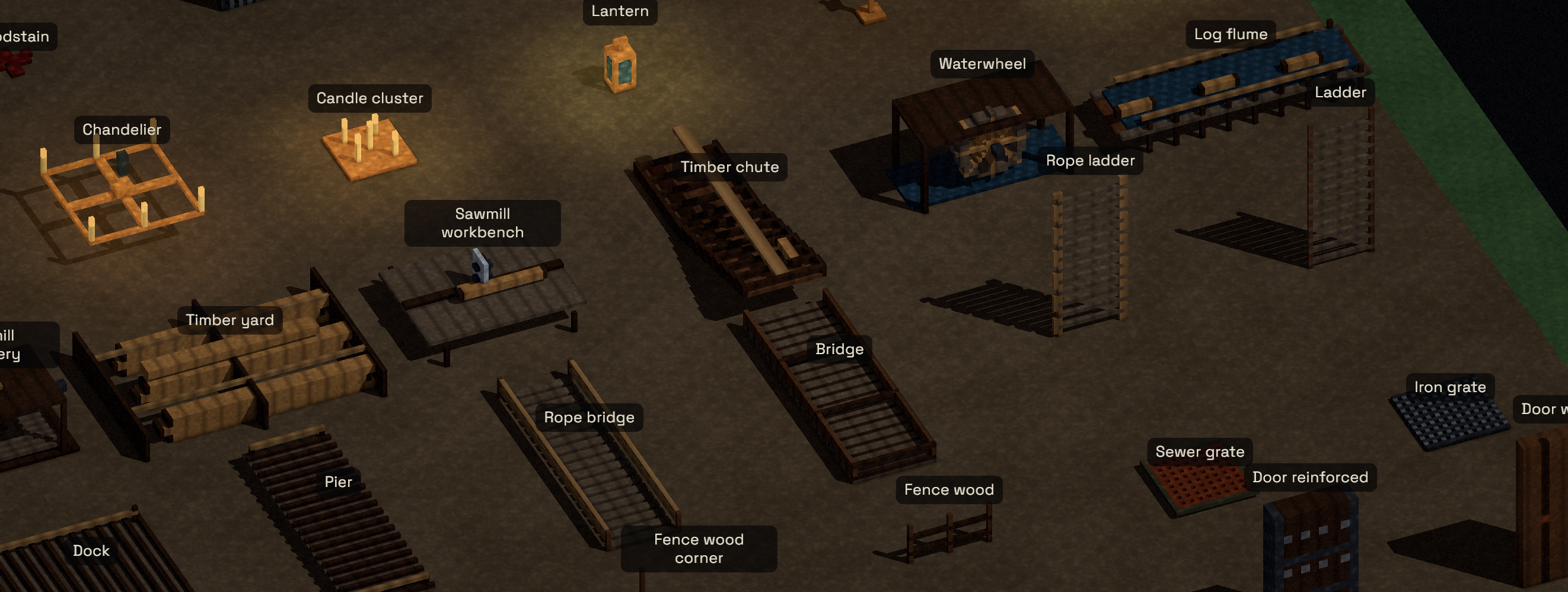
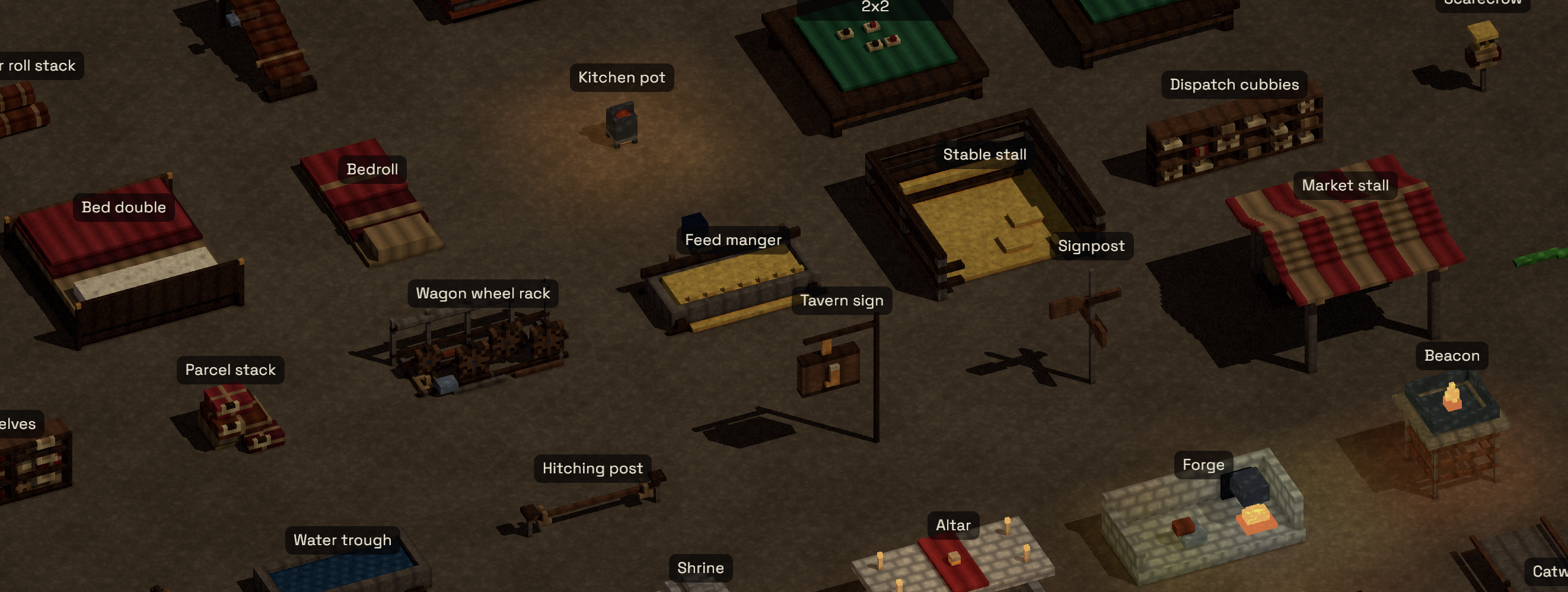
I generated the initial versions of the models at 9x9 voxel per pathfinder square, but I found 9x9 rather limiting in terms of how much detail the models, buildings, and scenery could show, so I decided to ask the LLM to convert from 9x9 to 19x19. The results weren't so good compared to generating the initial 9x9 models. It produced so many floating or wrongly-sized pieces that I wonder to this day if it would have worked better to start from scratch on the 19x19 models.
Regardless, I now had a set of 19x19 models:
LLM tooling
Much of software engineering these days is work to enable the model to perform at its best. Sol is now appreciably smarter than me for an embarassingly large number of tasks, so expanding the number of tasks it excells at and increasing its autonomy is the highest-leverage activity I can do.
I decided to let the model see the rendered textures, models, model clusters, rooms, buildings, dungeons, and towns that the map generation was creating. So I created a CLI tool for the LLM to create screenshots. It outputs the images to /tmp/.
# Tools

- To visually inspect generated voxel content, run
    `cargo run -p game --bin preview_screenshots -- <kind> <id>`.
- The tool accepts exact IDs only and exact kinds only:
    `material`, `model`, `town-prop-cluster`, `dungeon-prop-cluster`,
    `town-room`, `dungeon-room`, `town-compound`, `dungeon-compound`,
    and `place`.
Testing out the new tool
Now that I have my new tool, the LLM can start behaving more autonomously. We can get it to fix some of the bugs brought about by the 9x9 to 19x19 refactor.
To test it out, I gave the LLM some legendarily bad prompts. Normally telling an LLM to "fix it" wouldn't necessarily accomplish anything. But with its new vision capabilities, it works!
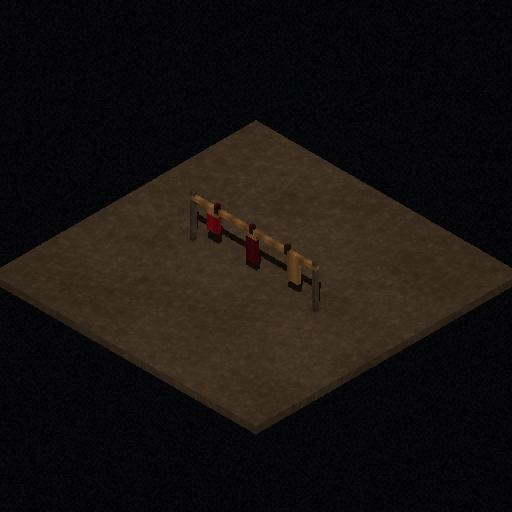
I noticed the clothesline model was a bit bugged (the clothes were floating):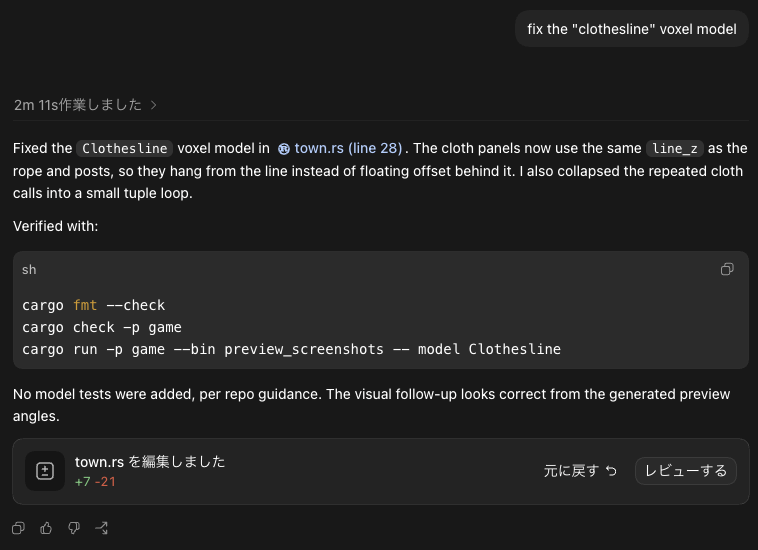
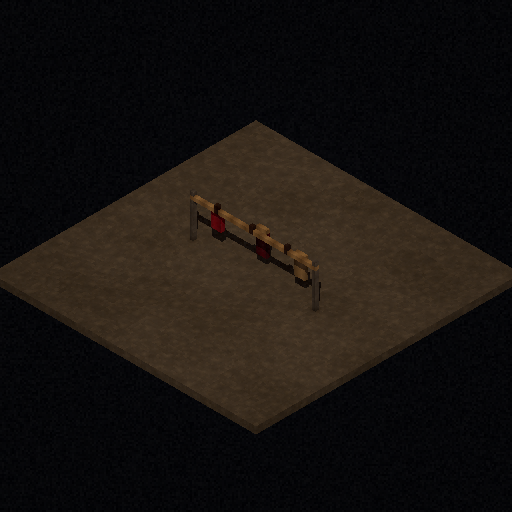
I also noticed some floating detail on the throne model, and the LLM was also happy to "fix it".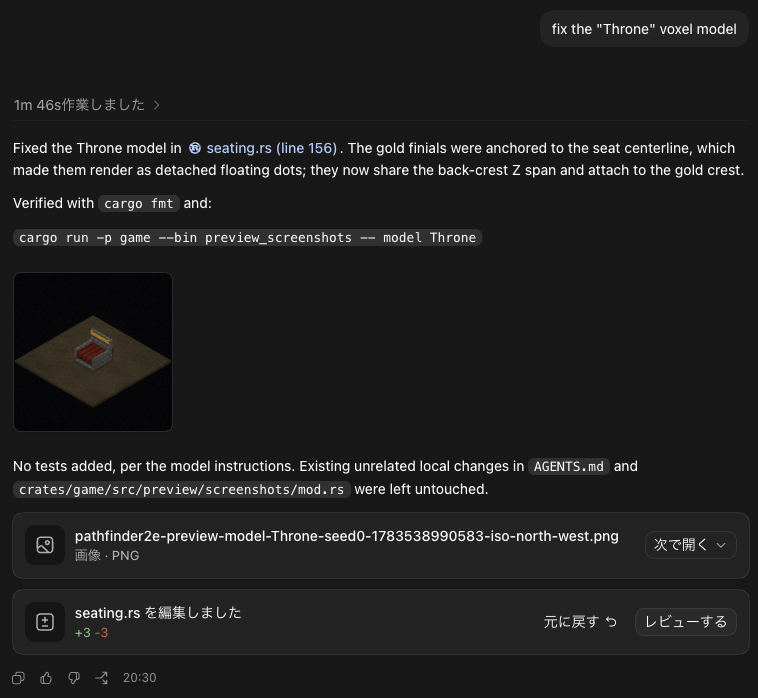
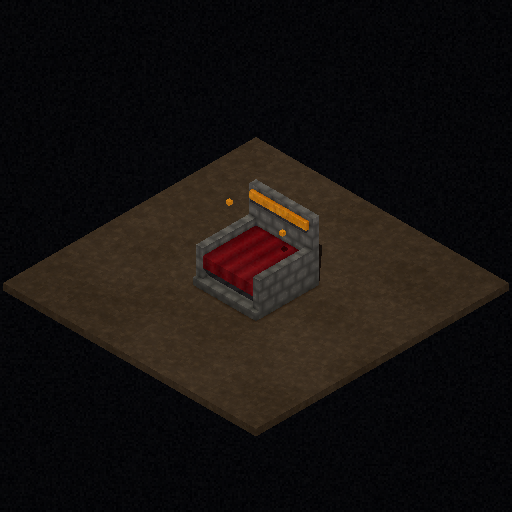
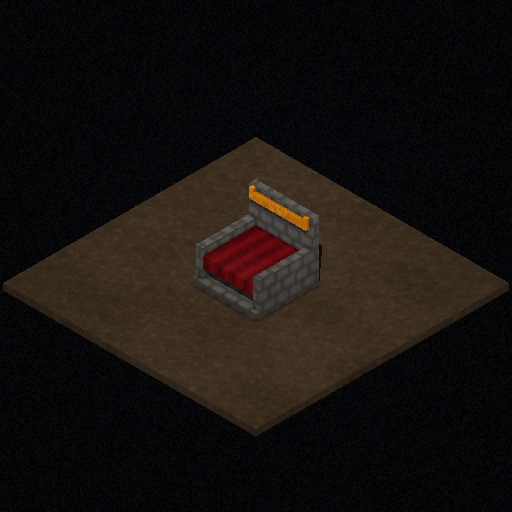
So, I'd say this was a success so far.